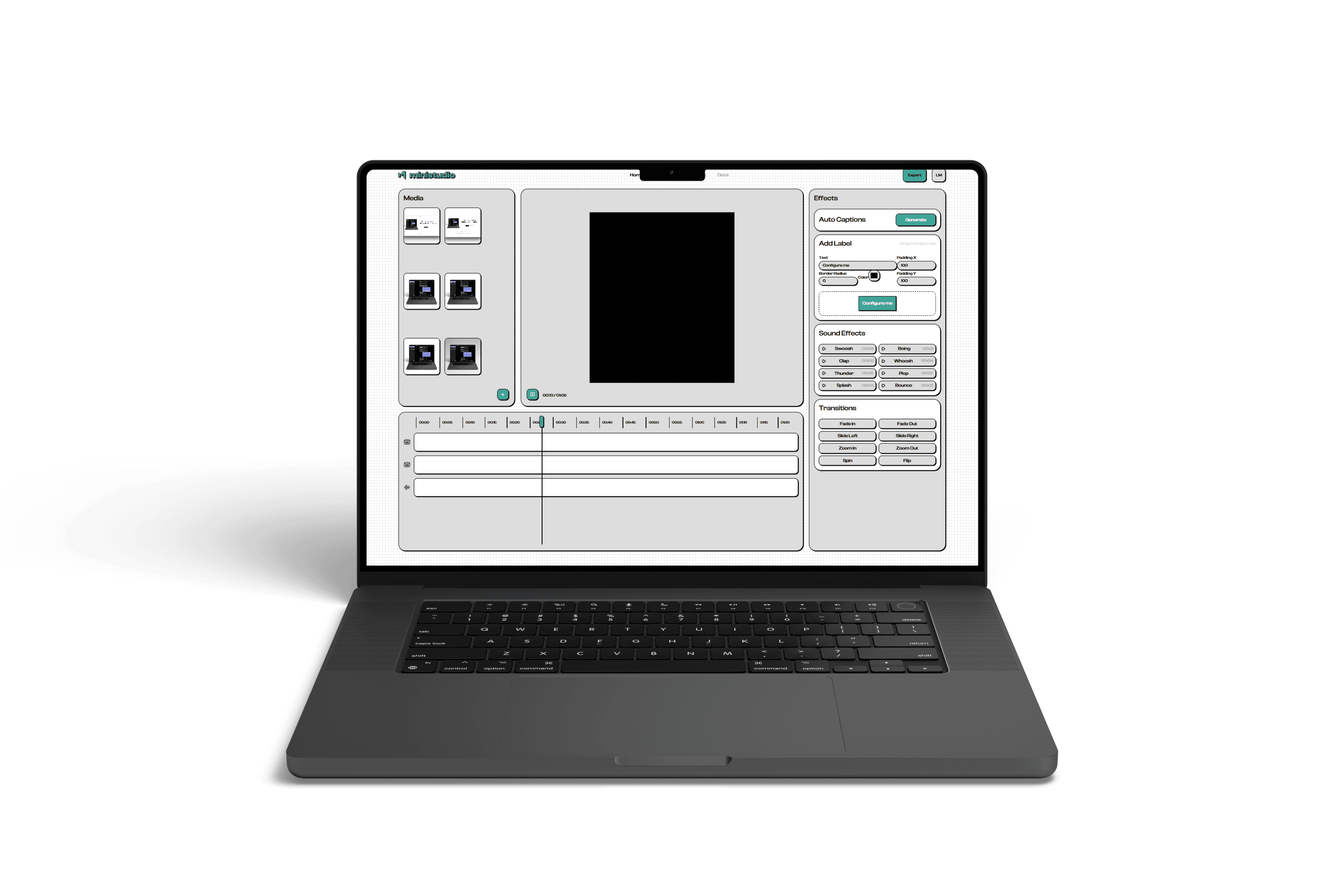
Finished videos in minutes, not hours.
The fastest way to turn raw footage into social media ready posts. Drop your clips, pick a template, export. That simple.
Sign in, checkout and export are preview steps in this demo, so nobody mistakes the prototype for a broken app.
Average time to finished video
Cheaper than any alternative
Learning curve - just drag & drop
Inside the demo.
Real editor screens.
Instead of stock placeholders, these cards now show real MiniStudio demo screens so visitors immediately understand what the product actually looks like.
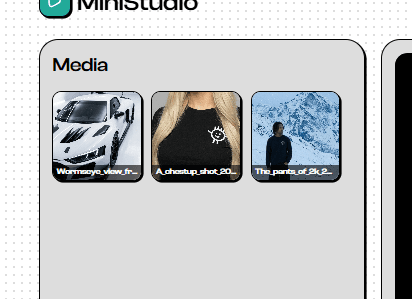
Import clips, images and audio in one place
Trim, reorder and stack scenes in seconds
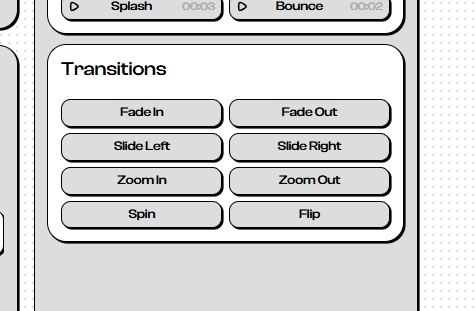
Add captions, badges and styling from the demo
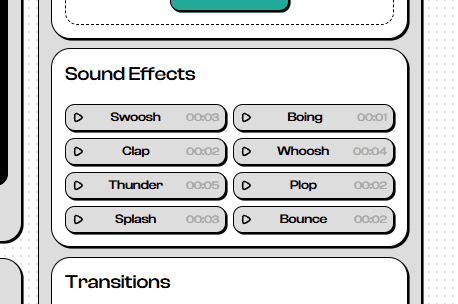
Drop in SFX and polish the final cut fast
Everything you need.
Nothing you don't.
Drag & Drop Timeline
Drop your media onto the timeline. Trim, rearrange and layer videos, images and audio intuitively.
Auto Captions
AI-powered captions with stylish designs. One click to make your content accessible and engaging.
Animated Badges
Ready-to-use animated elements for enumerations, highlights and viral video formats.
Runs in Your Browser
No downloads, no installs. Open the editor and start cutting - everything runs locally in your browser.